Capture instantly
Take region, window, or full-screen screenshots with shortcuts you can customize.
A better place for what you just captured
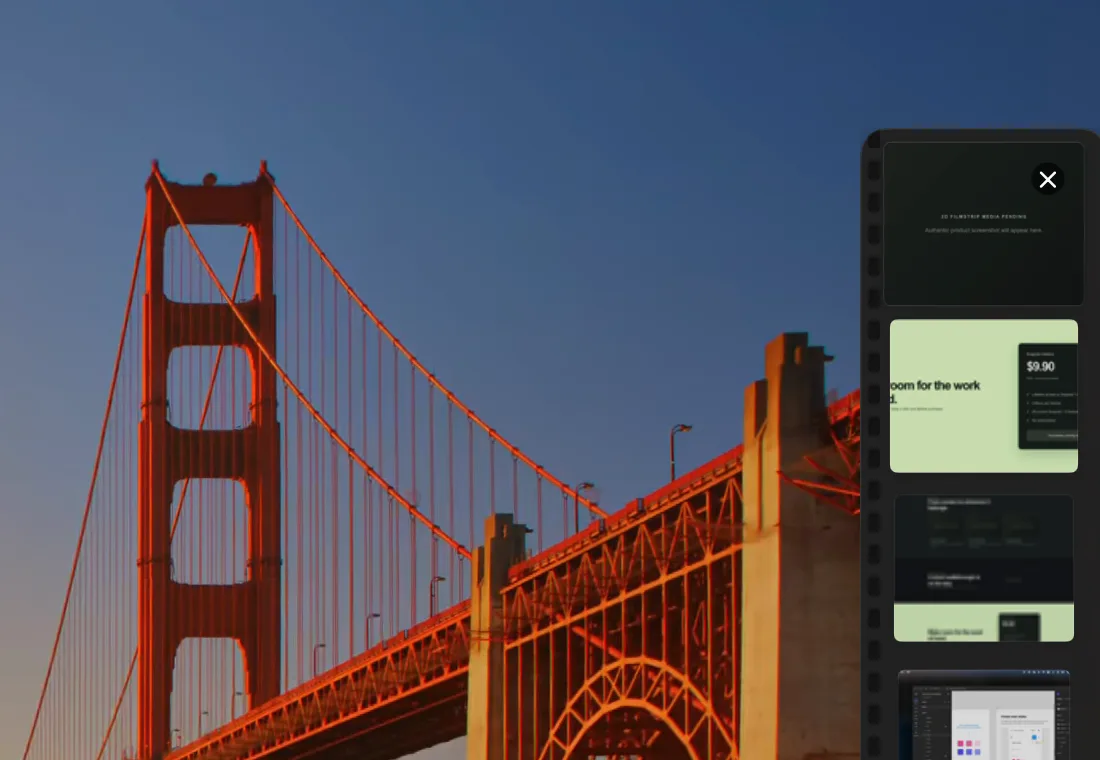
Your screenshots and files, always within reach. A lightweight filmstrip that keeps your workflow moving.
A place between capture and destination
Screenshots get buried. Temporary files crowd the desktop. Finder breaks your focus. Snaprail keeps the things you need next at the edge of your screen, ready for a quick drag.
Made for the moments in between
Take region, window, or full-screen screenshots with shortcuts you can customize.
Collect screenshots and supported files in an edge filmstrip, up to 20 items.
Move an item into messages, email, documents, design tools, and more.
Click a thumbnail for a closer look before you use it.
Optionally import copied images from the clipboard, including images from other tools.
How it works
Take a screenshot, or add a supported file to the filmstrip.
Your recent items stay in a compact workspace at the screen edge.
Drop an item into the app where you need it.
The real filmstrip
Authentic footage of Snaprail’s edge filmstrip appearing and hiding on a Mac desktop. A full capture-to-drag walkthrough is still to come.
Simple pricing
Try Snaprail for 3 days. Keep it with one lifetime purchase when sales open.
Snaprail Lifetime
$9.90USD · one-time purchaseGood to know
Snaprail is a small, edge-anchored workspace for screenshots and files on your Mac.
Capture a screenshot or drag in a file. Find it in the filmstrip, preview it, then drag it into another app.
Snaprail is designed for a local-first workflow and does not offer cloud synchronization.
Yes. You can drag images into Snaprail. Optional clipboard image import can bring in copied images from other screenshot tools; it is off by default.
macOS may ask for Screen Recording permission when Snaprail captures your screen. You control that permission in System Settings.
Snaprail has a 3-day free trial. A lifetime license is $9.90 as a one-time purchase. Downloads and purchases are not available yet.
One license covers 2 Macs.
No mandatory account registration is required to use the app.
License restoration instructions will be published when purchasing becomes available.
The current app deployment target is macOS 14.0.